 TenutoWeb (Version 3) Tutorials
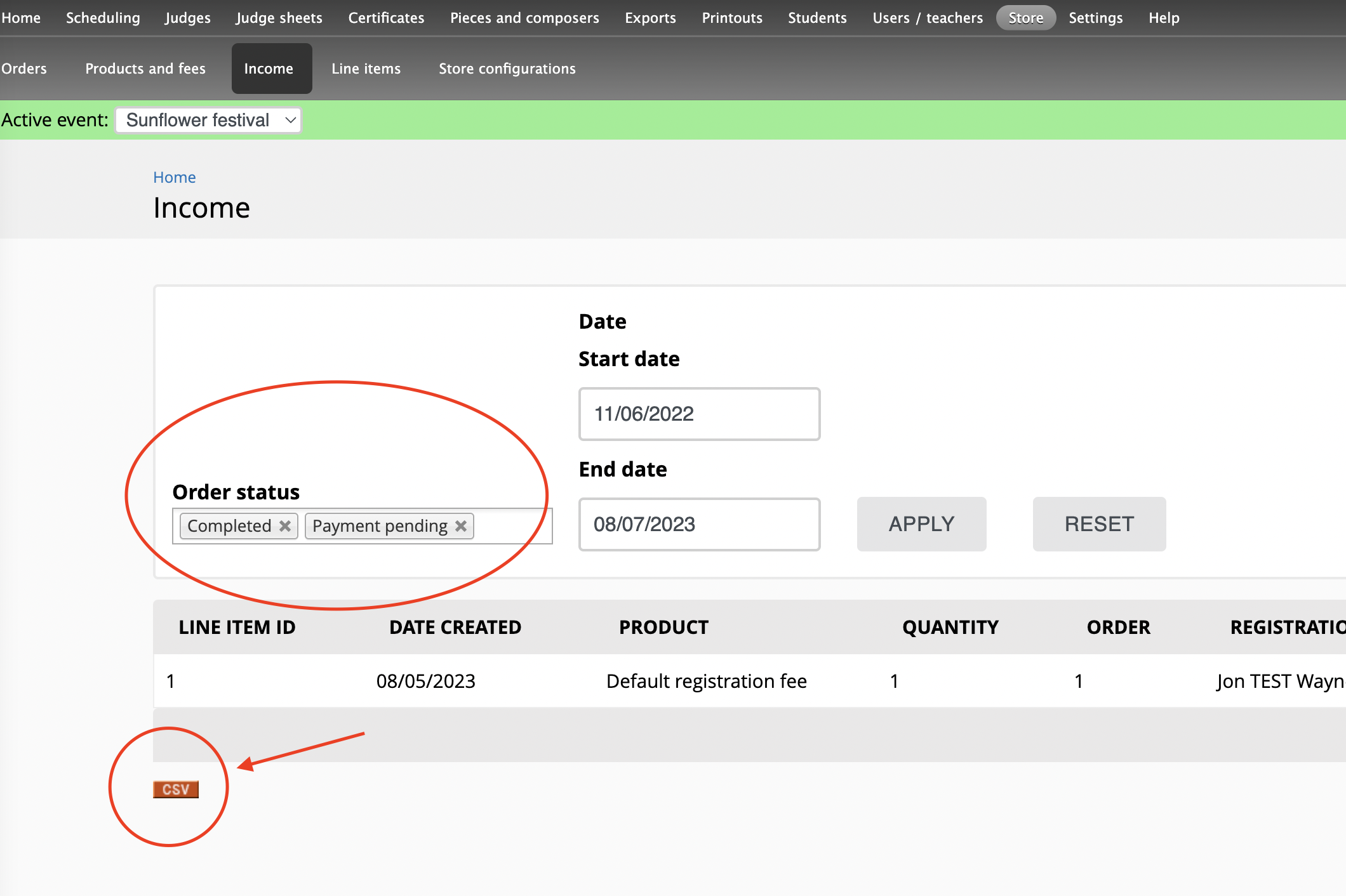
 To check the current income for the event, click on Store -> Income. That will list all order line items from "completed" or "payment pending" orders. You can modify the filters if you only wish to see line items from "shopping cart" orders, or only from "completed" orders.
To export the table as a CSV file (which can be opened in Excel), click the orange CSV button at the bottom of the table.