 TenutoWeb (Version 3) Tutorials
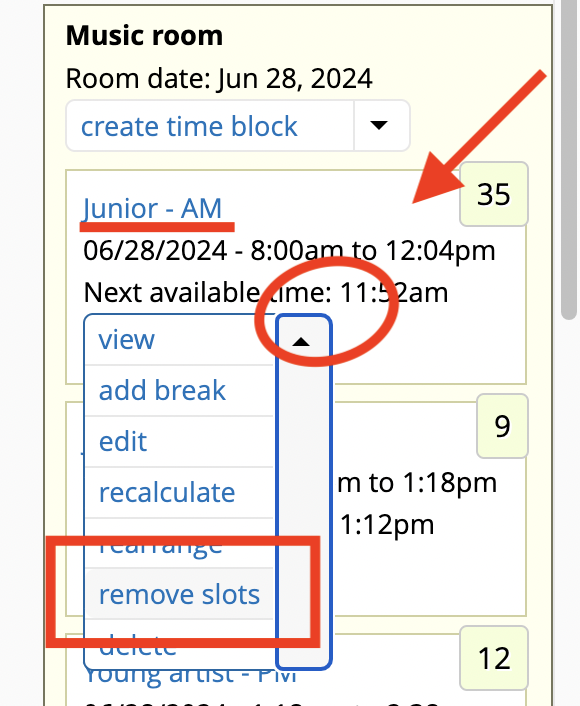
 Time blocks have several operations in their dropbuttons:
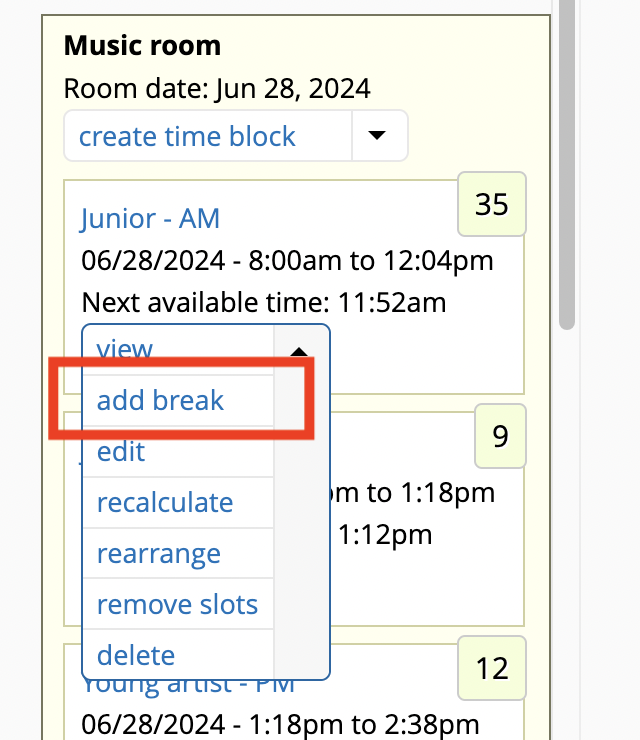
Add a break
This will add a break in the selected time block. The break is added at the bottom of the time block. You may later need to rearrange the time block to move the break to the right place within the time block.
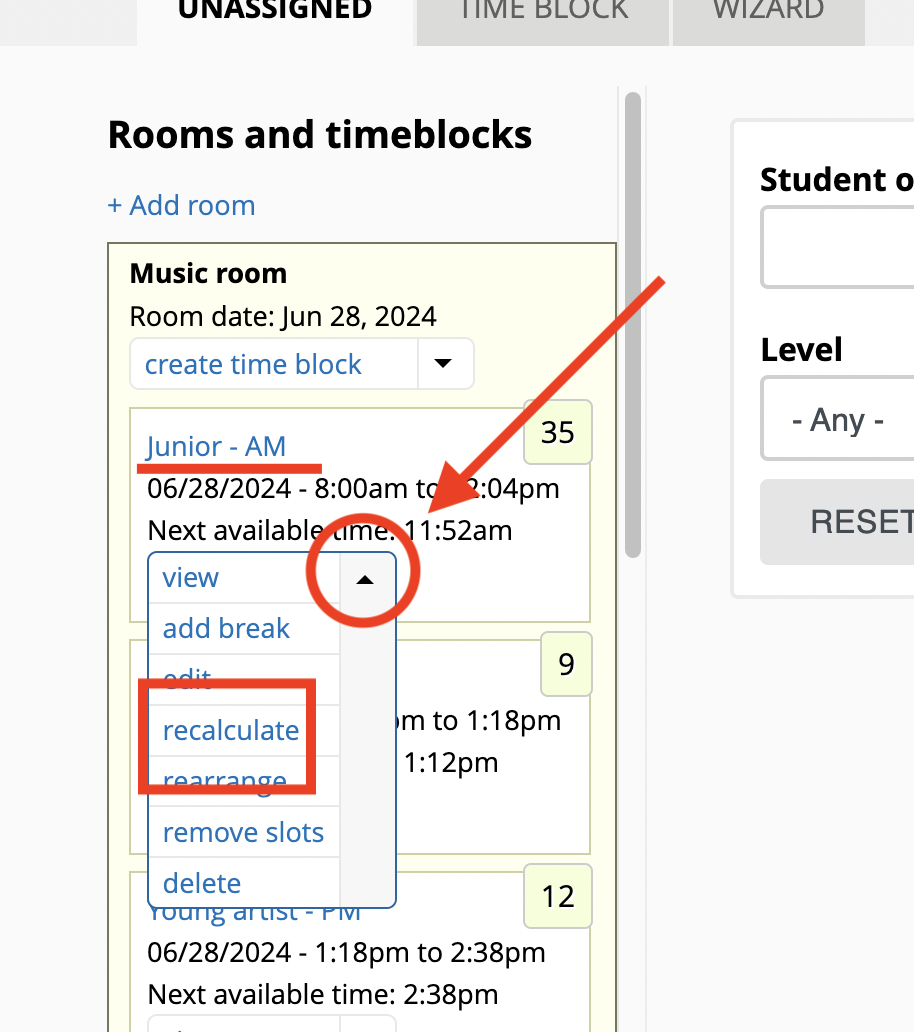
Recalculate times in time block
Once in a while, if there is a system error, you may need to have the time block recalculate the times of each of its time slots. Recalculation will refresh the starting and ending time for each student in the time block. To do so, select recalculate in the time block dropdown button.
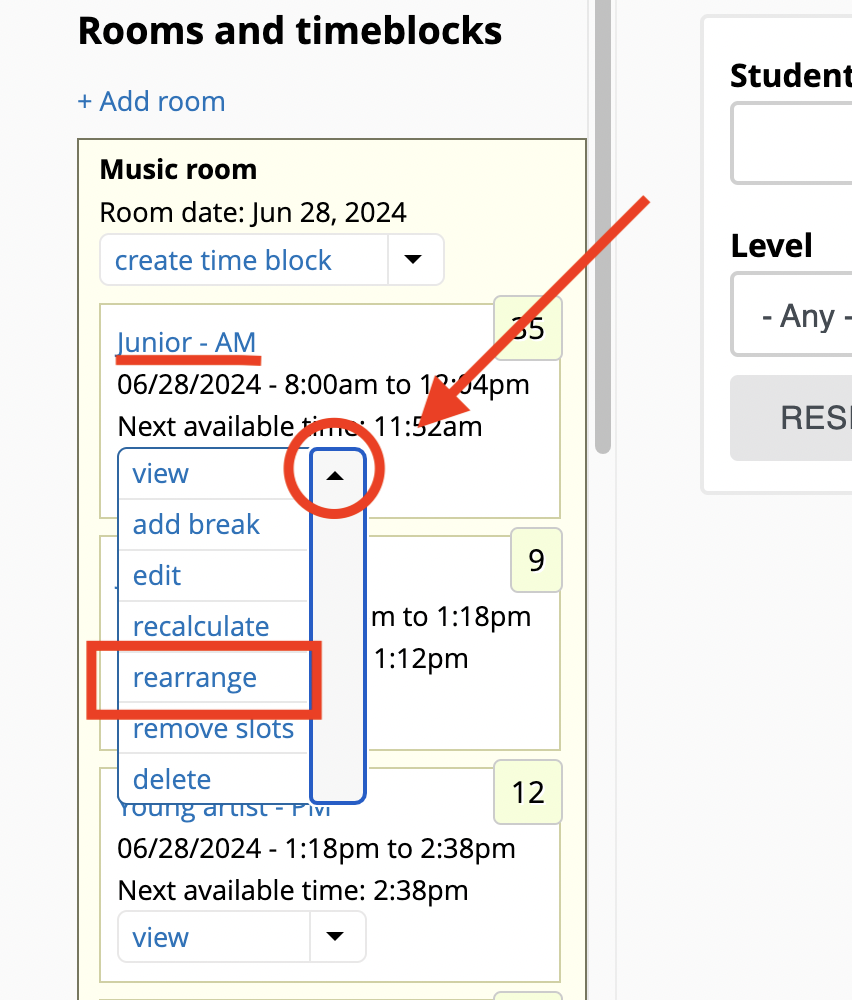
Rearrange time block
This option allows you to move students and breaks within the time block. Upon saving, the system will recalculate the starting times for all time slots in the block.
Remove time slots in bulk
This option allows you to remove students or breaks "in bulk" from a time block. This is more efficient than removing students one by one. Note: registrations don't get deleted when a time slot is removed - the registration goes back to the "Not assigned" bucket.